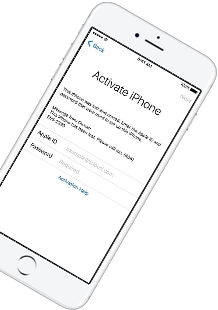
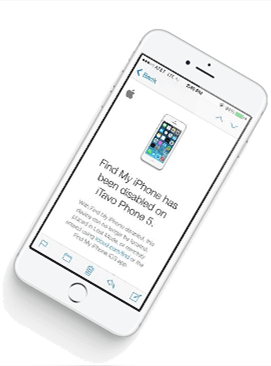
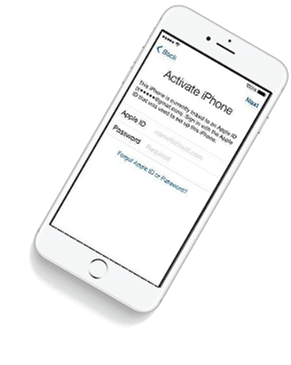
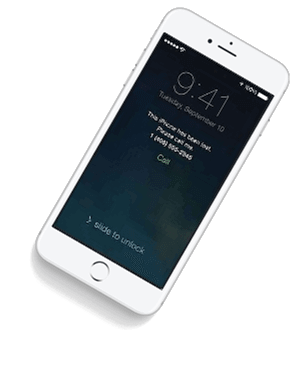
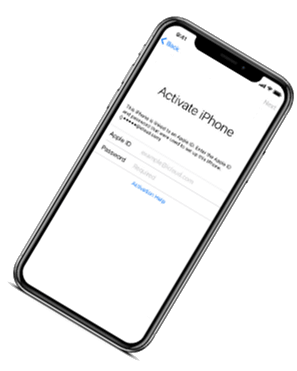
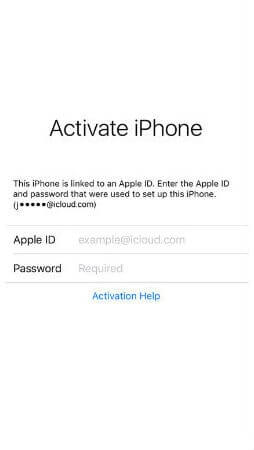
iCloud Spider Officially and Permanently Unlock, Bypass & Remove iCloud Activation Lock on your iPhone 11 Pro / 11 Pro Max, 12 / 12 Mini, 12 Pro / 12 Pro Max, 13 / 13 Mini, 13 Pro / 13 Pro Max, 14 / 14 Plus, 14 Pro / 14 Pro Max, 11, 11 Pro, X, 8, 8 Plus, 7 Plus, 7, 6S Plus, 6S, 6, SE, 5S, 5C, 5, 4S, 4 and all iPad 4,3,2 Air, Pro and iWatch Versions.
iCloud Spider can be used to remove iCloud Lock permanently from your device without the fear of being locked again.
No matter who is previous owner of the iPhone, iCloud Spider will just disable "Fiand My Phone" feature from the device.
iCloud Spider use built-in proxies and private servers and data enctyption to unlock your device so you no traces are left.
You can easily update your device's iOS version without any problem after unloking it with the iCloud Spider.
With iCloud Spider you have the flexibility to unlock your device either via USB or by using your phone IMEI number.


If you have forgotten your apple id or you bought a used iPhone from ebay/walmart and the original owner has enabled "Find My Phone" feature accidentally or purposely and you don't know how to contact him or unlock your device then you are on right place.
iCloud Spider will not only help you to unlock your iPhone but it will also remove any icloud activation lock (e.g. Find My Phone) from your device forever.
Unlocking iPhone made easy with iCloud Spider. You don't have to install iCloud Spider on your PC to unlock your iPhone/iPad. Read the instructions below to learn how to use our icloud unlock software.
Download & run iCloud Spider on your PC. (You can unlock just one device by IMEI in free version of iCloud Spider)
Connect your locked iphone/ipad to your pc via usb or type your phone's imei in iCloud Spider and hit the "Unlock This Device" button.
iCloud Spider will permanently unlock your locked iphone/ipad in just few minutes depending on your internet speed.
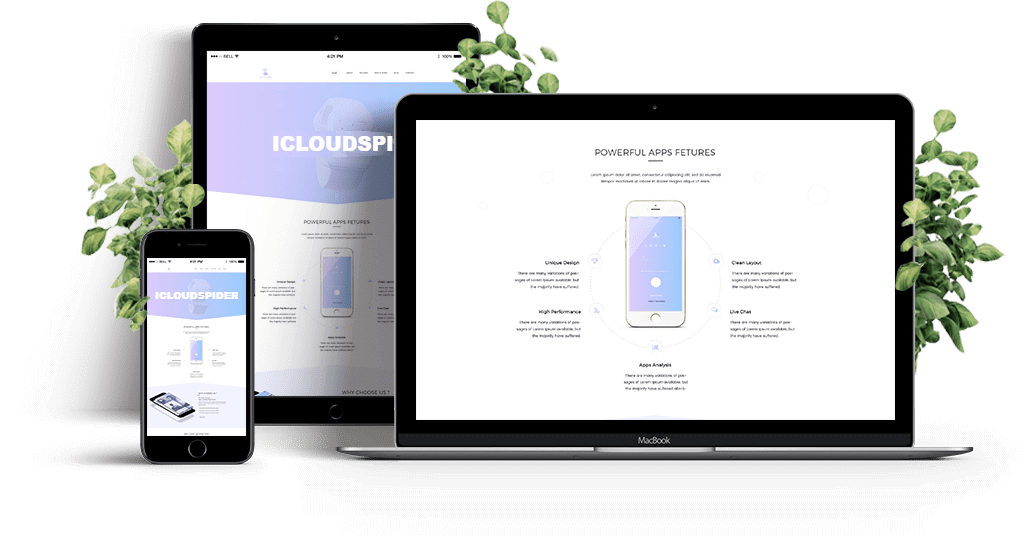
iCloud Spider is multi-devices & multi-OS supported. You can download & use IS(iCloud Spider) on Windows and MAC. iOS and Android version will be added soon.
Use iCloud Spider Web-based Tool: Click Here
Use Online FRP Lock Removal App: Click Here
See the working of our icloud unlocker tool below. It's easy to unlock any iPhone/iPad within seconds.
Unlock any iCloud locked device with the ease of our iCloud activation lock removal software at very affordable prices.
Found a critical bug in 6.2 that affects your workflow? Here’s how to downgrade safely:
Remember to always verify your download source, check the SHA-256 hash, and follow the installation steps carefully. If you encounter any issues, the official Silver community forum and this guide’s troubleshooting section are your best resources.
Head to the official Silver download portal or run your package manager command. Your optimized workflow awaits.
: Supports a wide range of devices including A4, A5, A6, and A7 chips (iPhone 4 through 5s, and various iPads) for various bypass methods.
: Upon first launch, the tool prompts you to run a custom Python 2.7 installer designed specifically for the ipwndfu exploit, ensuring stable performance across High Sierra to Monterey.
For the purpose of this article, we will focus on the modern utility aspect, where the is most frequently requested by professionals and power users seeking a stable, feature-rich environment without the bloat of newer, subscription-based updates.
For those who have completed the and want to squeeze every drop of performance:
: Sliver is most effective on older hardware (iPhone 4s through iPhone X) that is vulnerable to the checkm8 bootrom exploit.
Looking for the Silver 6.2 download? This comprehensive guide covers everything from system requirements and new features to step-by-step installation and common fixes.
Users have recently reported that some download mirrors may redirect to suspicious third-party sites or "scam links" requiring ad interactions. It is recommended to use a clean browser and ensure you are downloading a file directly from the official domain. Compatibility Note Sliver is primarily built for
In the rapidly evolving world of software, version numbers tell a story. While the headlines are often dominated by the "latest and greatest" updates, there is a quiet, persistent demand for legacy versions that offer stability and specific functionality. Among these, the search for has gained significant traction.
Silver was designed to replicate the look and feel of Mac OS X (specifically the Aqua interface) on Windows XP/Vista/7. It provides a global menu bar, a Dock, and an Exposé-like window manager.
: Unlike previous versions, the necessary dependencies.sh script is bundled directly within the app for easier installation.
: Unlike older versions that required separate scripts, Sliver 6.2 bundles necessary files like dependencies.sh directly within the application for easier setup.

Found a critical bug in 6.2 that affects your workflow? Here’s how to downgrade safely:
Remember to always verify your download source, check the SHA-256 hash, and follow the installation steps carefully. If you encounter any issues, the official Silver community forum and this guide’s troubleshooting section are your best resources.
Head to the official Silver download portal or run your package manager command. Your optimized workflow awaits.
: Supports a wide range of devices including A4, A5, A6, and A7 chips (iPhone 4 through 5s, and various iPads) for various bypass methods.
: Upon first launch, the tool prompts you to run a custom Python 2.7 installer designed specifically for the ipwndfu exploit, ensuring stable performance across High Sierra to Monterey.
For the purpose of this article, we will focus on the modern utility aspect, where the is most frequently requested by professionals and power users seeking a stable, feature-rich environment without the bloat of newer, subscription-based updates.
For those who have completed the and want to squeeze every drop of performance:
: Sliver is most effective on older hardware (iPhone 4s through iPhone X) that is vulnerable to the checkm8 bootrom exploit.
Looking for the Silver 6.2 download? This comprehensive guide covers everything from system requirements and new features to step-by-step installation and common fixes.
Users have recently reported that some download mirrors may redirect to suspicious third-party sites or "scam links" requiring ad interactions. It is recommended to use a clean browser and ensure you are downloading a file directly from the official domain. Compatibility Note Sliver is primarily built for
In the rapidly evolving world of software, version numbers tell a story. While the headlines are often dominated by the "latest and greatest" updates, there is a quiet, persistent demand for legacy versions that offer stability and specific functionality. Among these, the search for has gained significant traction.
Silver was designed to replicate the look and feel of Mac OS X (specifically the Aqua interface) on Windows XP/Vista/7. It provides a global menu bar, a Dock, and an Exposé-like window manager.
: Unlike previous versions, the necessary dependencies.sh script is bundled directly within the app for easier installation.
: Unlike older versions that required separate scripts, Sliver 6.2 bundles necessary files like dependencies.sh directly within the application for easier setup.
Our developers have now added support for iPad Pro 11.5". So download the latest version of IS to enjoy this feature...
Our developers have now added support for iPad Pro 11.5". So download the latest version of iCloud Spider... Silver 6.2 Download
Good News! Android & iOS versions of the iCloud Spider are in beta testing and will be available for free to our existing customers. Found a critical bug in 6
Here's the complete list of 25 great hidden iOS 12 features available for your iPhone, iPad and iPod touch. Head to the official Silver download portal or